cse15l-lab-reports
CSE15L Week 7 Lab 4 Report
Part 1
I can’t find my group’s number of keypresses but I will be doing one of them on my own. I will be changing the name of the start parameter and its
uses to base.
My keypresses were:
/tec <enter> n ce <right> <right> <delete> <delete> <delete> <delete> <delete> args[1] <esc> :w
I had a total of 25 keypresses!
To better explain my keypresses her are some screenshots:
Here I did /tec <enter> n to get to the second iteration of “technical” which was in main.
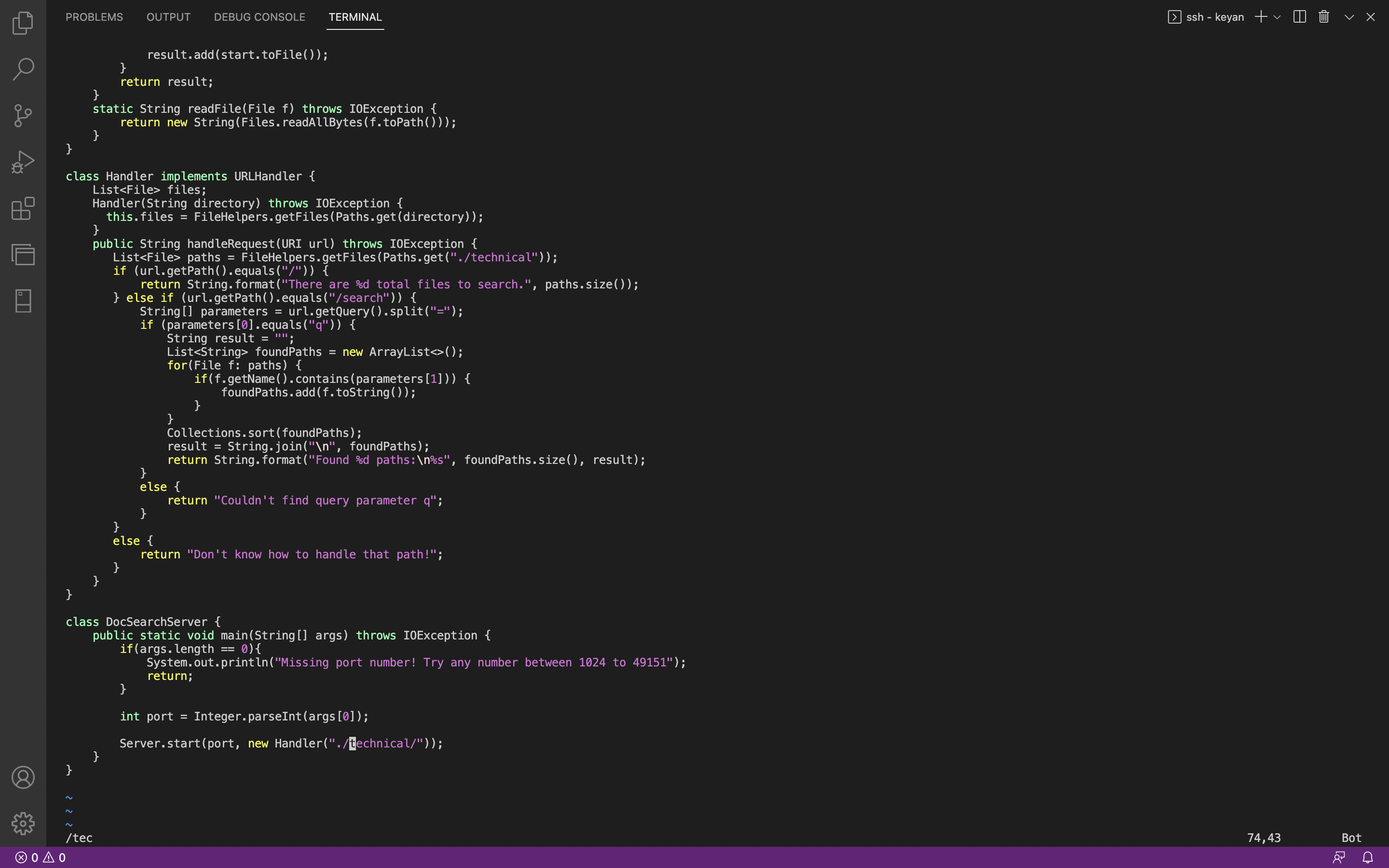
Here I did ce to delete “technical” and enter insert mode.
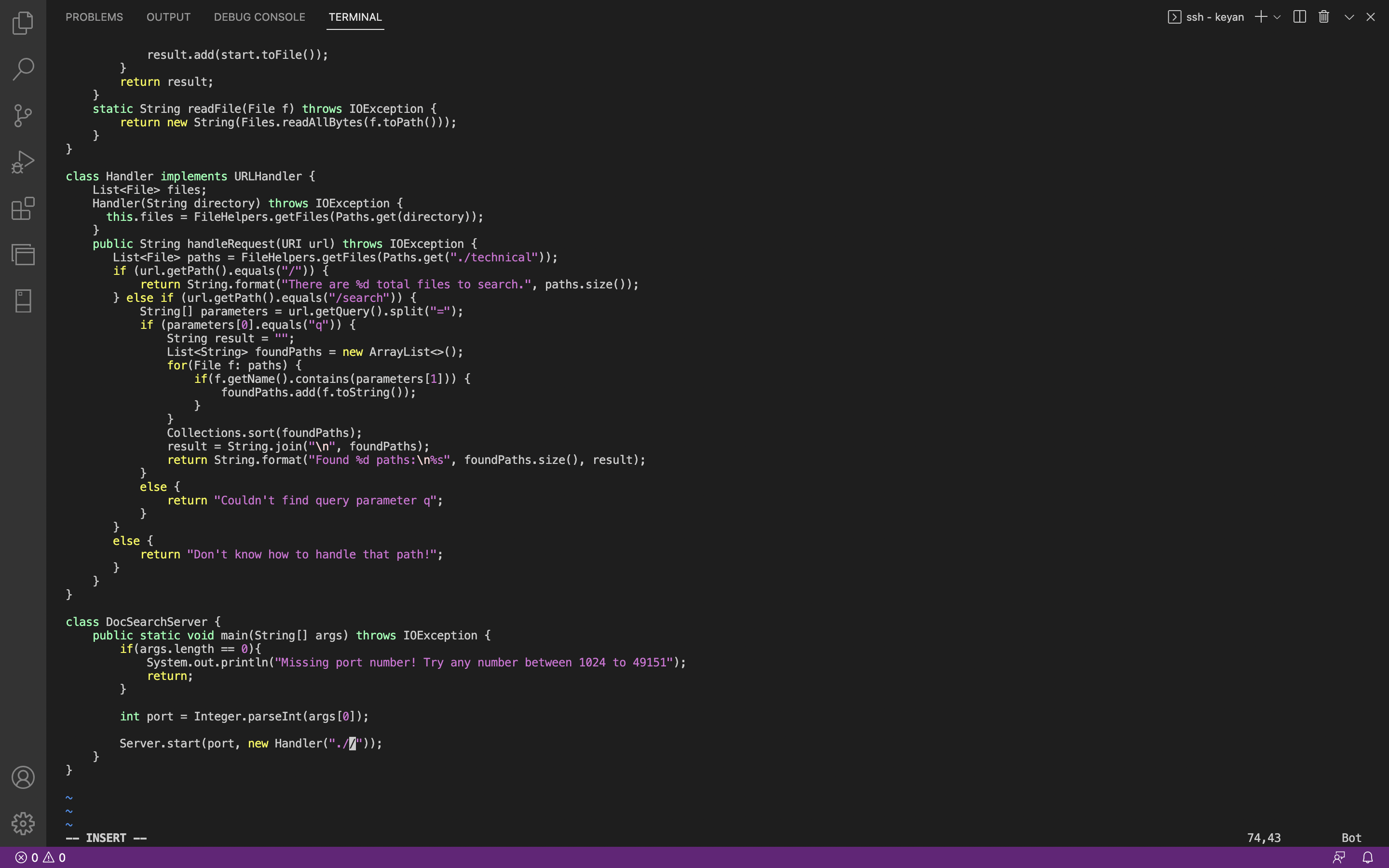
Here I did <right> <right> <delete> <delete> <delete> <delete> <delete> so I can be ready to add the second command line argument to the directory being searched.
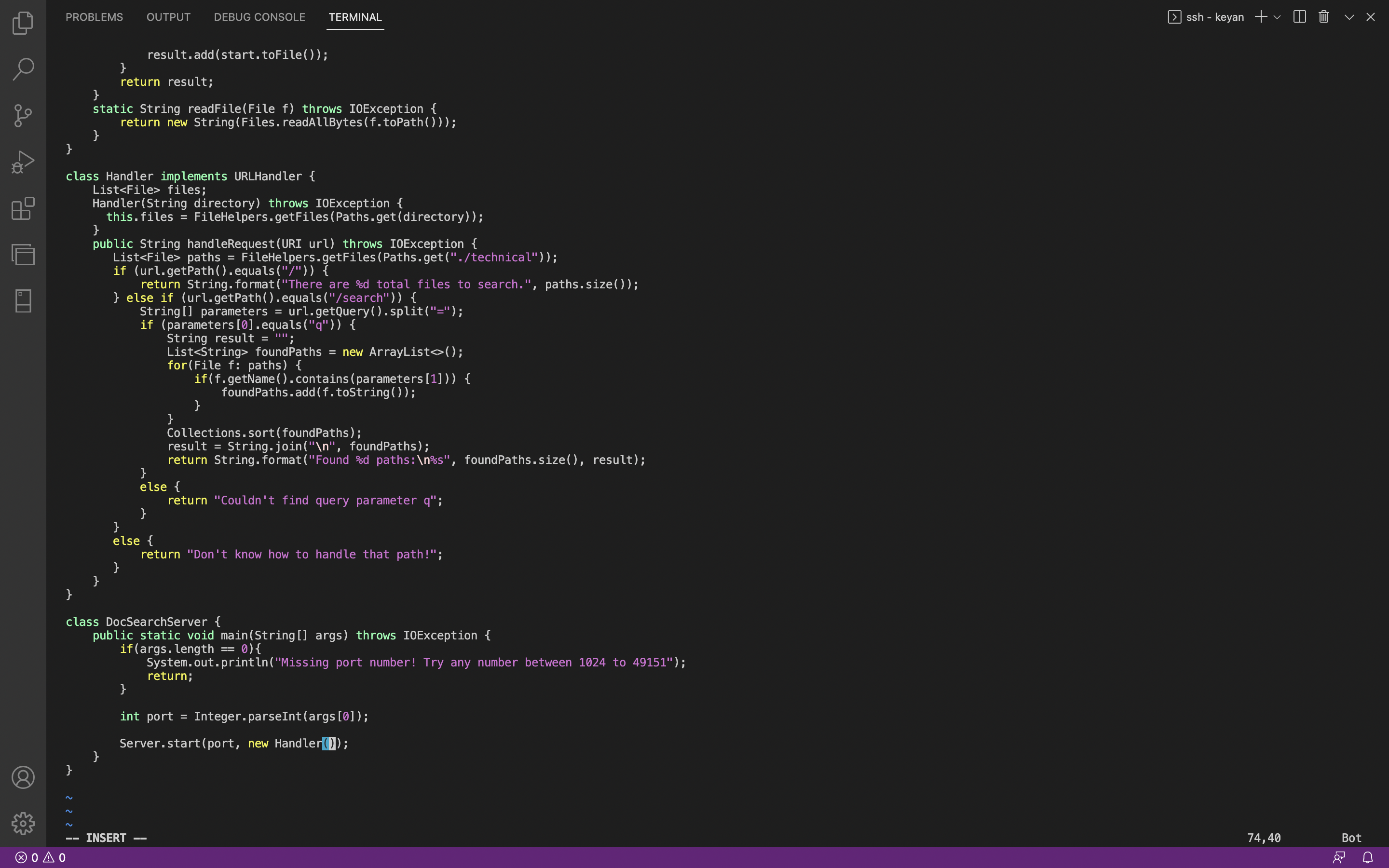
Here I did args[1] <esc> :w to use the second command line argument and save the file.
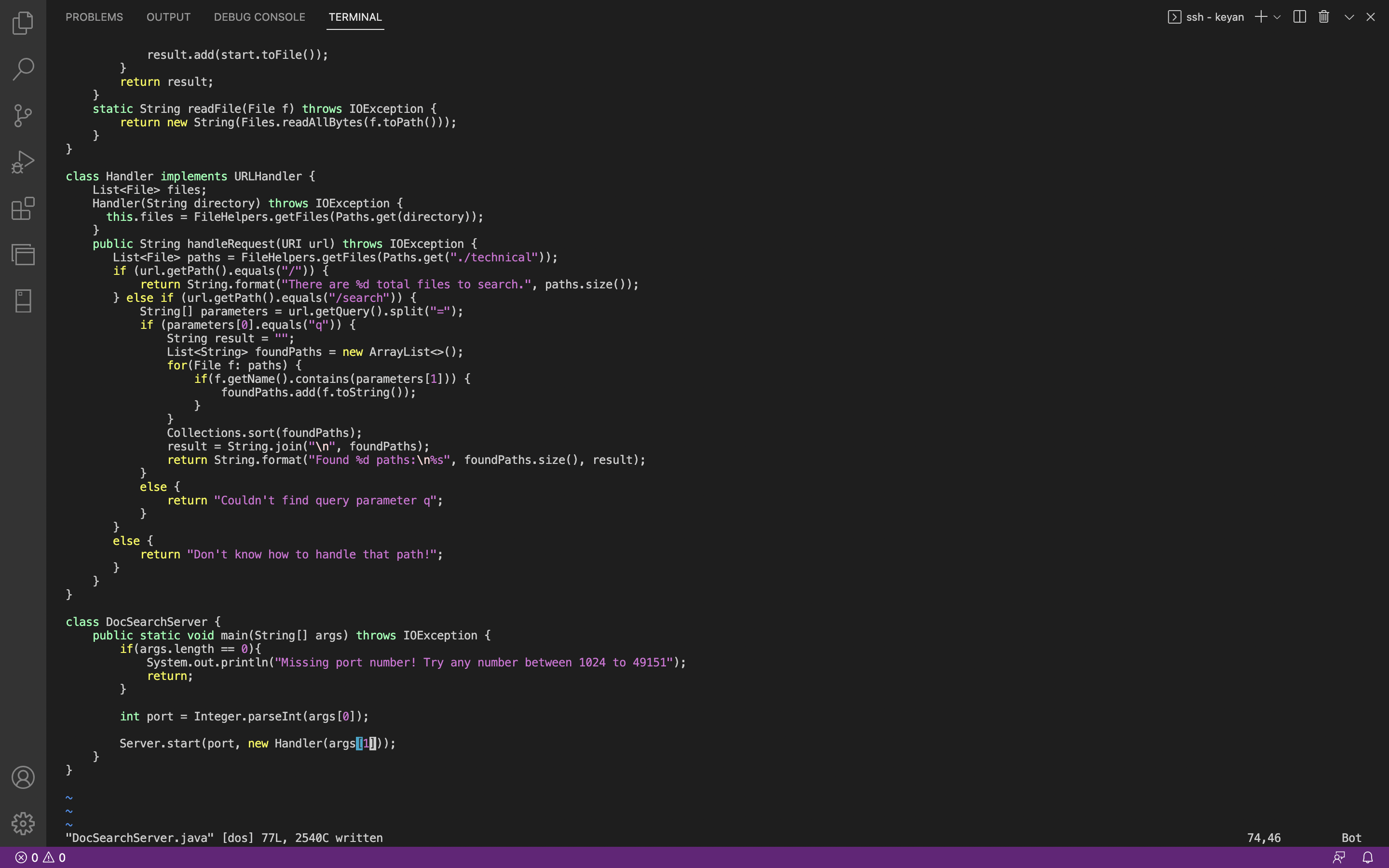
Part 2
Doing the task by editing in Visual Studio Code and then using scp to get the file on the server took me 66.79 seconds.
Doing the task using vim took me 22.36 seconds.
No difficulties on either method other than the occasional mistype.
In my opnion if I was working on a file or two remotely, Vim would be my choice to make edits to those files. But if I am working on many files
I would rather be using VS Code and then using scp to get the files on the server. But in certain work environments downloading code may not be
allowed so it really does matter what you are working on and who you are working for. But they both are easy to use.